
Computer vision · MediaPipe · WebAssembly · VakSutra AI
Why we analyse webcam video after recording, not live
Real-time face tracking in the browser sounds better, but it drops frames on ordinary laptops. In VakSutra AI we analyse the recording right after the user stops — here is the reasoning and the trade-offs.
By the CognifySystems engineering team · · 5 min read
The obvious design, and why we dropped it
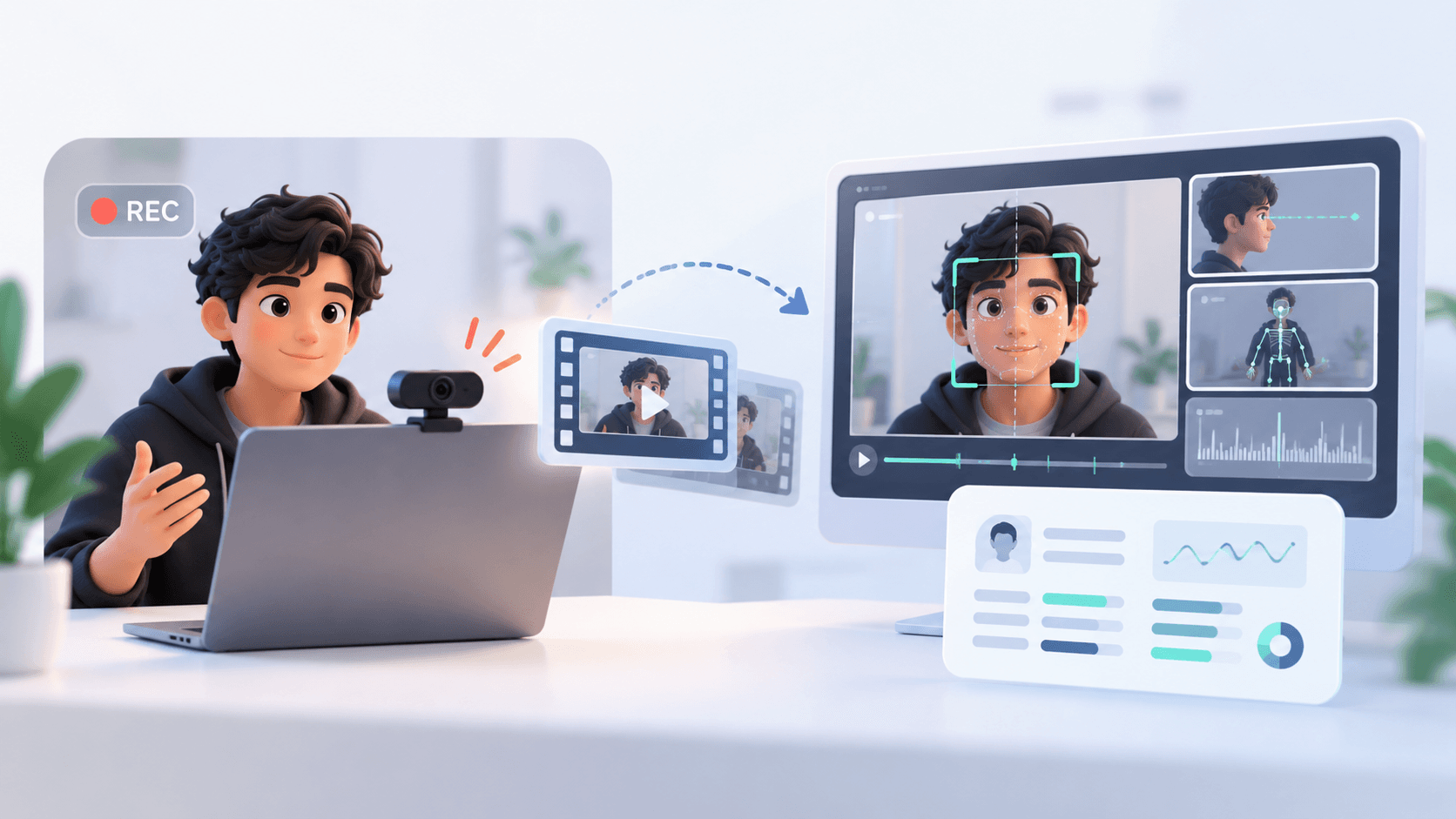
VakSutra AI measures eye contact, head movement and expression while someone speaks on camera. The obvious design is to run face tracking live, frame by frame, during recording. On a fast machine it works. On an ordinary laptop, the face model, the camera, the encoder and the browser all compete for the same CPU — and the recording itself starts dropping frames. The feature meant to judge your delivery was degrading the very video it judged.
So we moved analysis to right after recording. The user finishes speaking, and the browser analyses the recording on their device before the report is ready.
How it works
We use MediaPipe FaceLandmarker compiled to WebAssembly, running on the CPU. It returns 478 face landmarks and 52 blendshapes per frame — enough to estimate gaze direction from the iris position relative to the eye corners, head turn, and expressions like a frown or a smile.
The first approach jumped to each sample point in the recording. It failed: recordings made with the browser's MediaRecorder have no seek index, so jumps either never completed or forced a slow re-decode each time. Instead, the recorded video now plays once, off-screen, at 8× speed, and we sample frames as they arrive — one pass, no re-decoding.
Choosing a sample rate
Gaze shifts and expression changes happen at roughly one to two per second. To capture a signal you need to sample at least twice as fast as it changes, so we never go below 4 frames per second of speech. Above about 8 frames per second there is no new behavioural information — just more CPU time. VakSutra samples within that 4–8 fps band, aiming to finish in about 12 seconds.
Raw per-frame values are noisy, so they are smoothed, and an event such as “eye contact break” only counts if it holds across multiple frames for a minimum duration. That removes most false triggers from a single blink or glance.
Designing for failure
Browser environments vary widely, so analysis has a hard 15-second limit; it can never hang the interface. If vision fails or times out, the session is still scored — on audio alone — instead of erroring. We also skip the GPU path — on budget laptops and phones it usually fails and falls back to the CPU anyway, after wasting a few hundred milliseconds — and we dropped body-pose tracking, because webcams frame people chest-up and posture readings were unreliable.
The trade-offs
For a practice tool, these trade-offs are clearly worth it:
- No live, on-screen feedback while speaking. For practice that is acceptable — and arguably better, since live overlays distract.
- A short wait after recording while analysis runs.
- In return: a clean recording on ordinary hardware, predictable CPU use, and face analysis that stays on the user's device — live camera frames are never streamed to an AI server.
When live analysis is the right call
If your product needs to react during the session — an exercise tracker counting reps, or an accessibility tool — you need live inference, and you should budget for it: lower camera resolution, fewer landmarks, a lower sample rate, and a fallback when the device can't keep up. If feedback can wait a few seconds, analysing after the fact is simpler and more reliable.